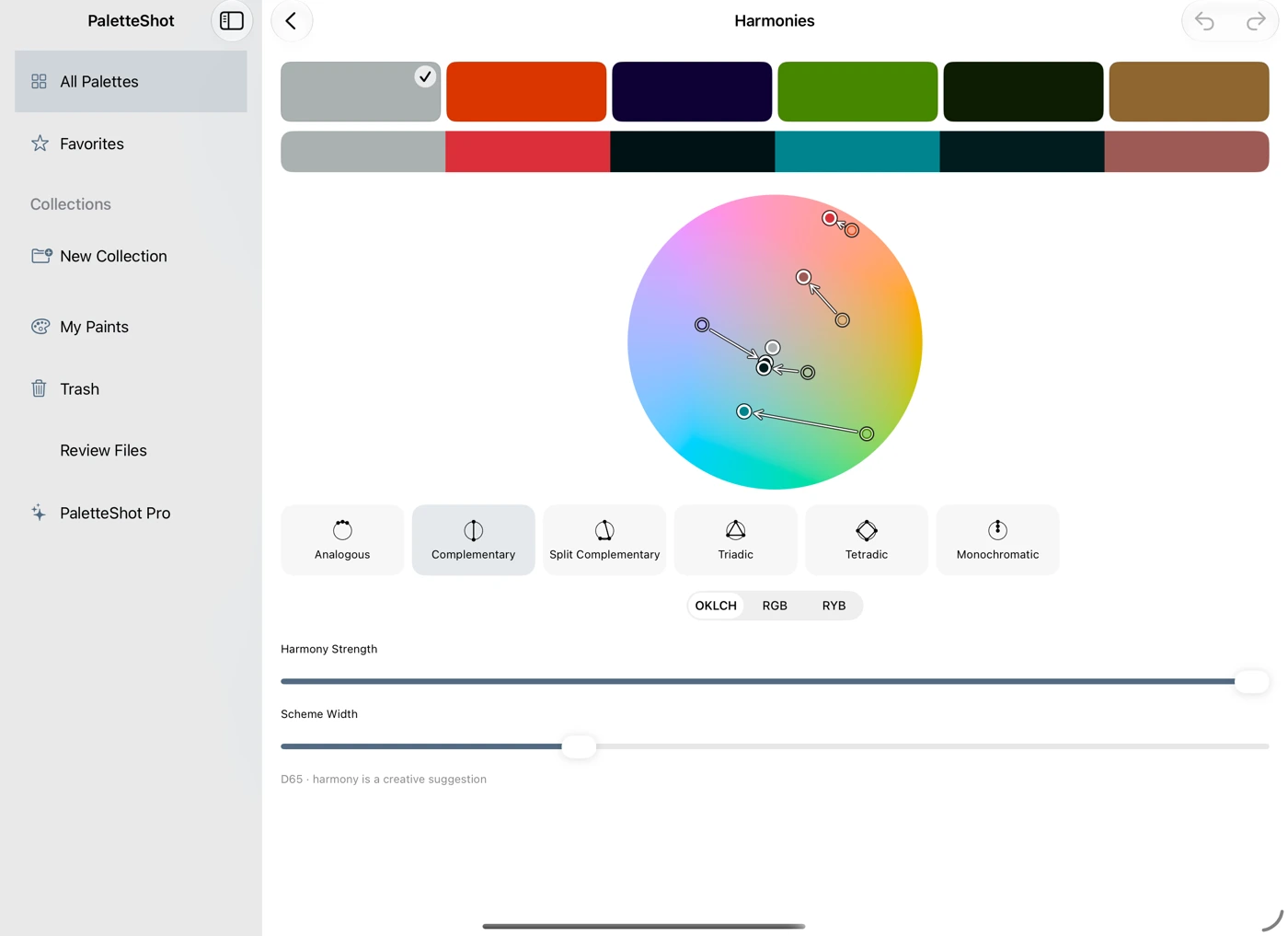
Find a new direction
Try harmonies, mix colours and build colour scales. Keep the combination that feels right for your project.
A colour studio in your pocket

Palette Shot
iPhone / iPad / Mac
From a colour combination on your morning walk to the palette for your next project. Capture it, explore it and make it yours.
Coming soon. Free to start. One-time Pro upgrade.
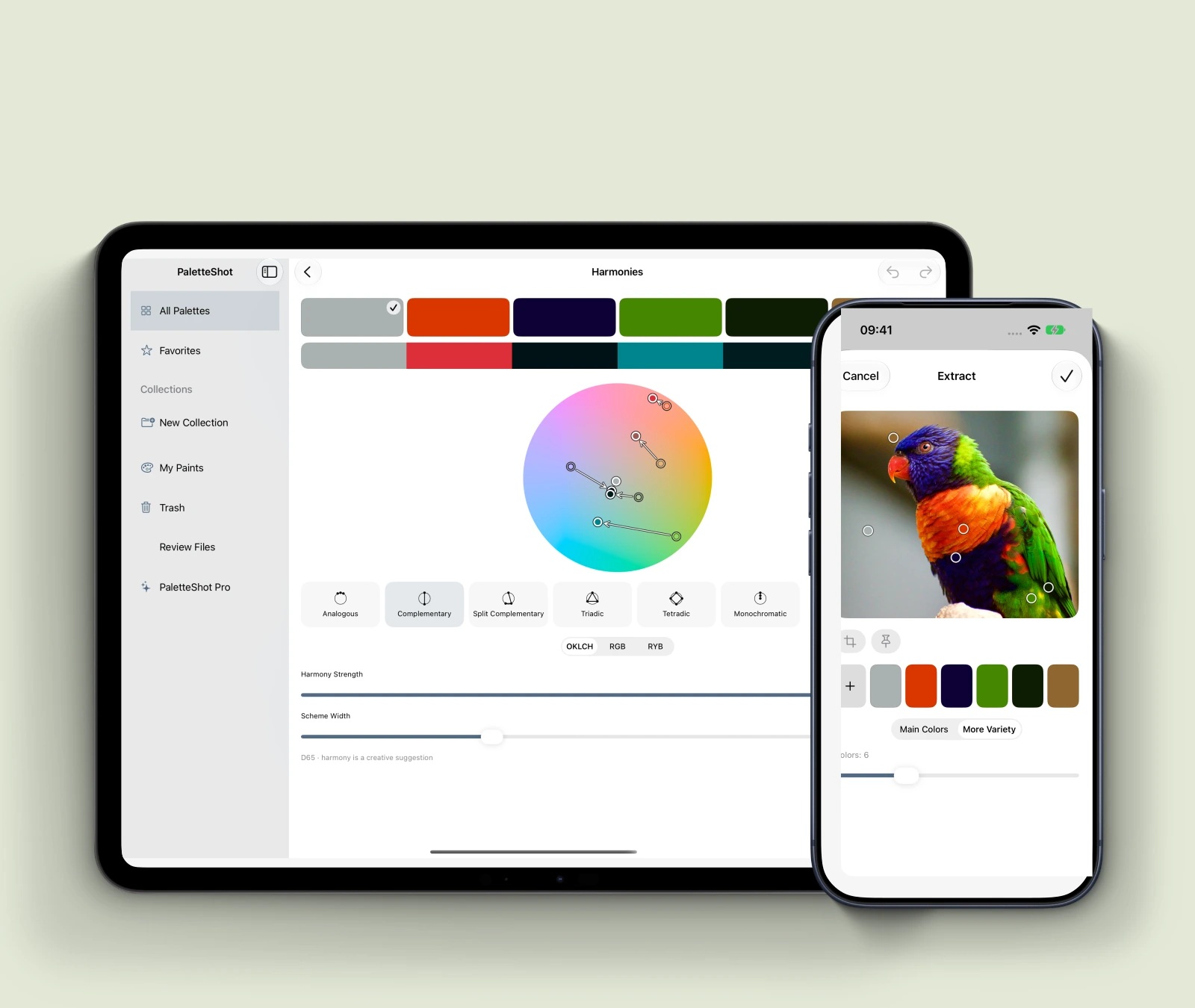
I kept noticing colour combinations when I was out walking, or whenever something caught my eye. A building against the sky. A flower. An unexpected splash of colour.
I wanted a simple place to save those combinations and come back to them. So I built Palette Shot.
A place for the colours
you want to remember.
It grew into a little colour workshop. I brought together tools I’d seen designers and artists work with, so they’d be in one place, close to the palette itself.
Save an idea when you find it. Try a few directions when you’re ready. Then take the colours into whatever you’re making next.
George Ostrobrod · Creator of Palette Shot
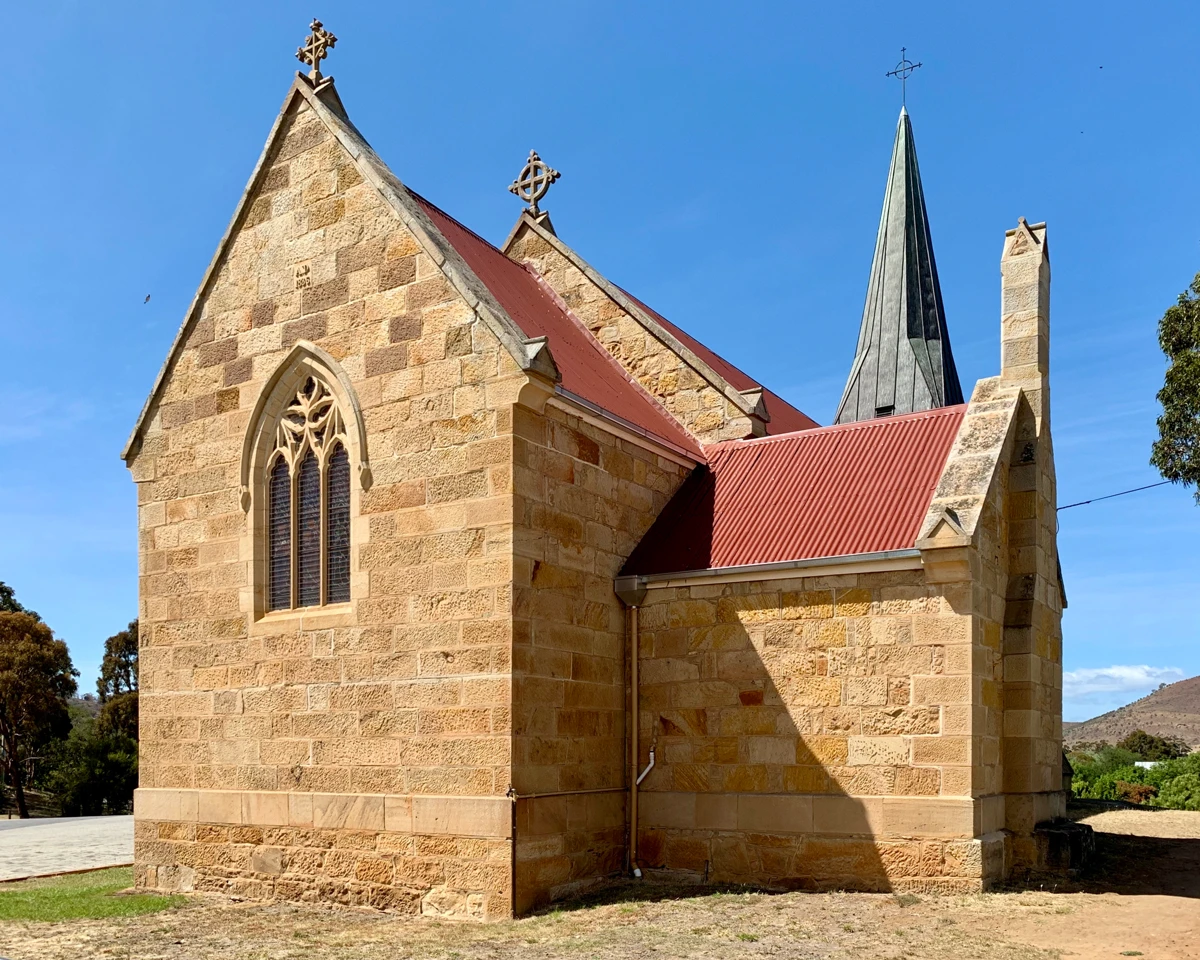
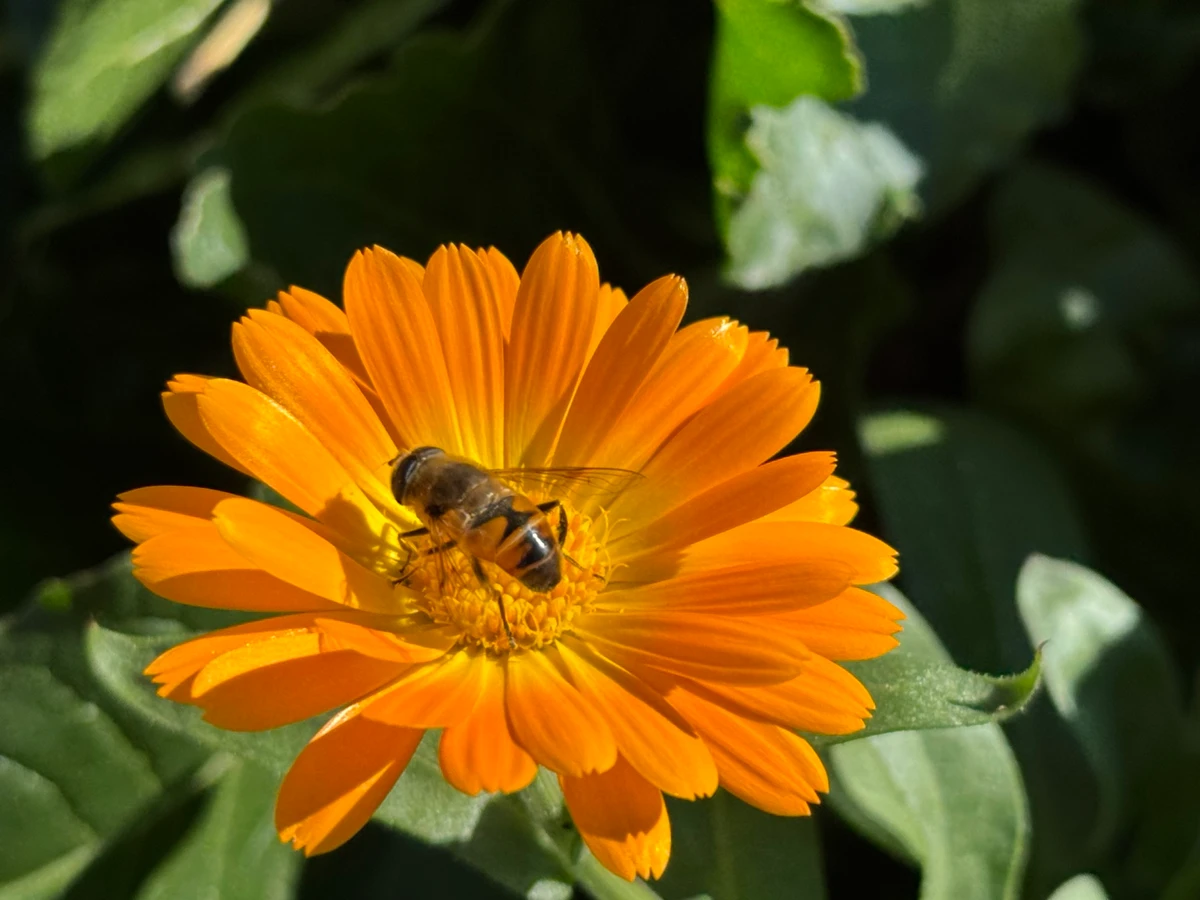
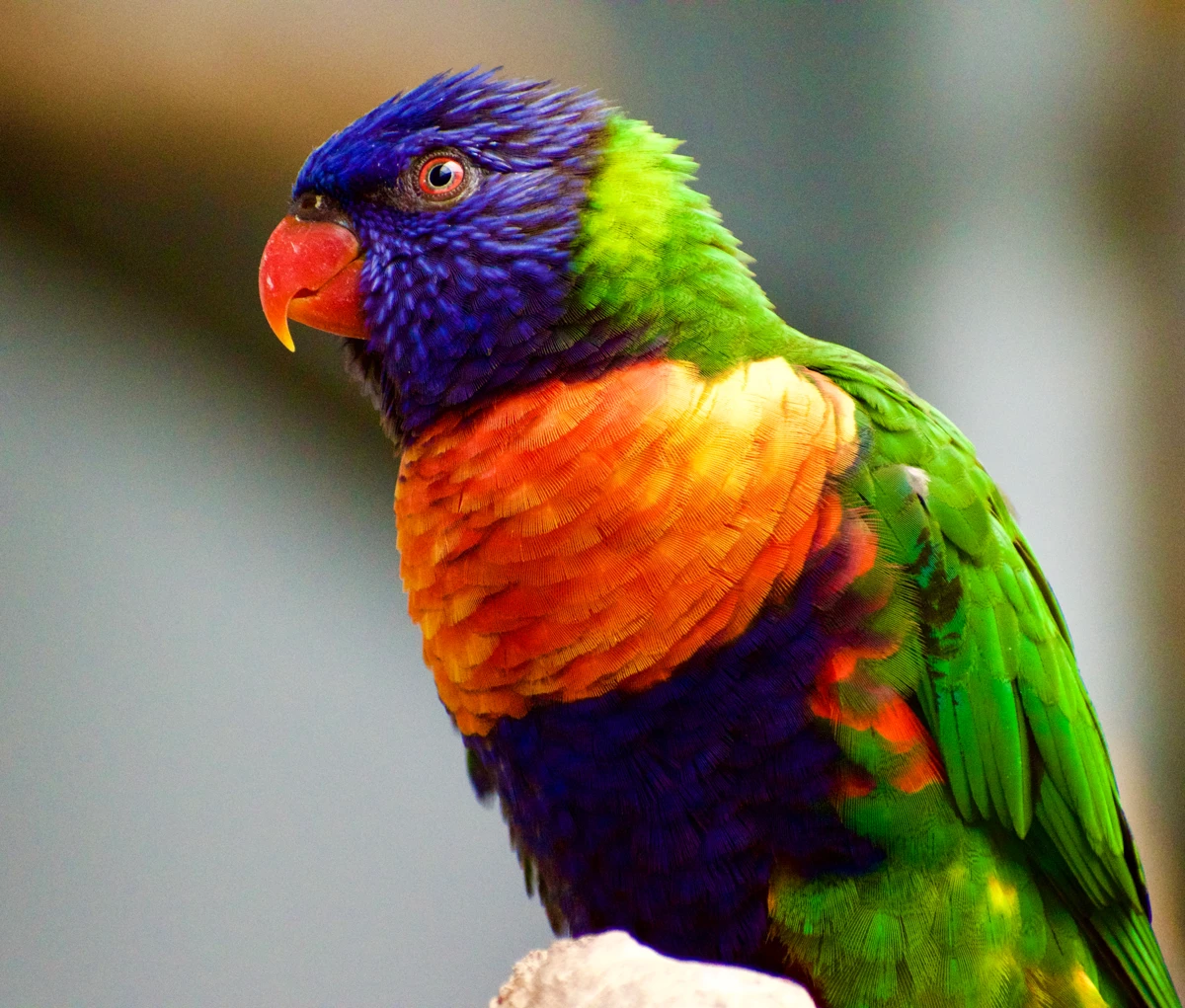
Start with a photo. Move a sample point to find the colour you meant. Keep the original, try something new and save the versions you like.
Try harmonies, mix colours and build colour scales. Keep the combination that feels right for your project.
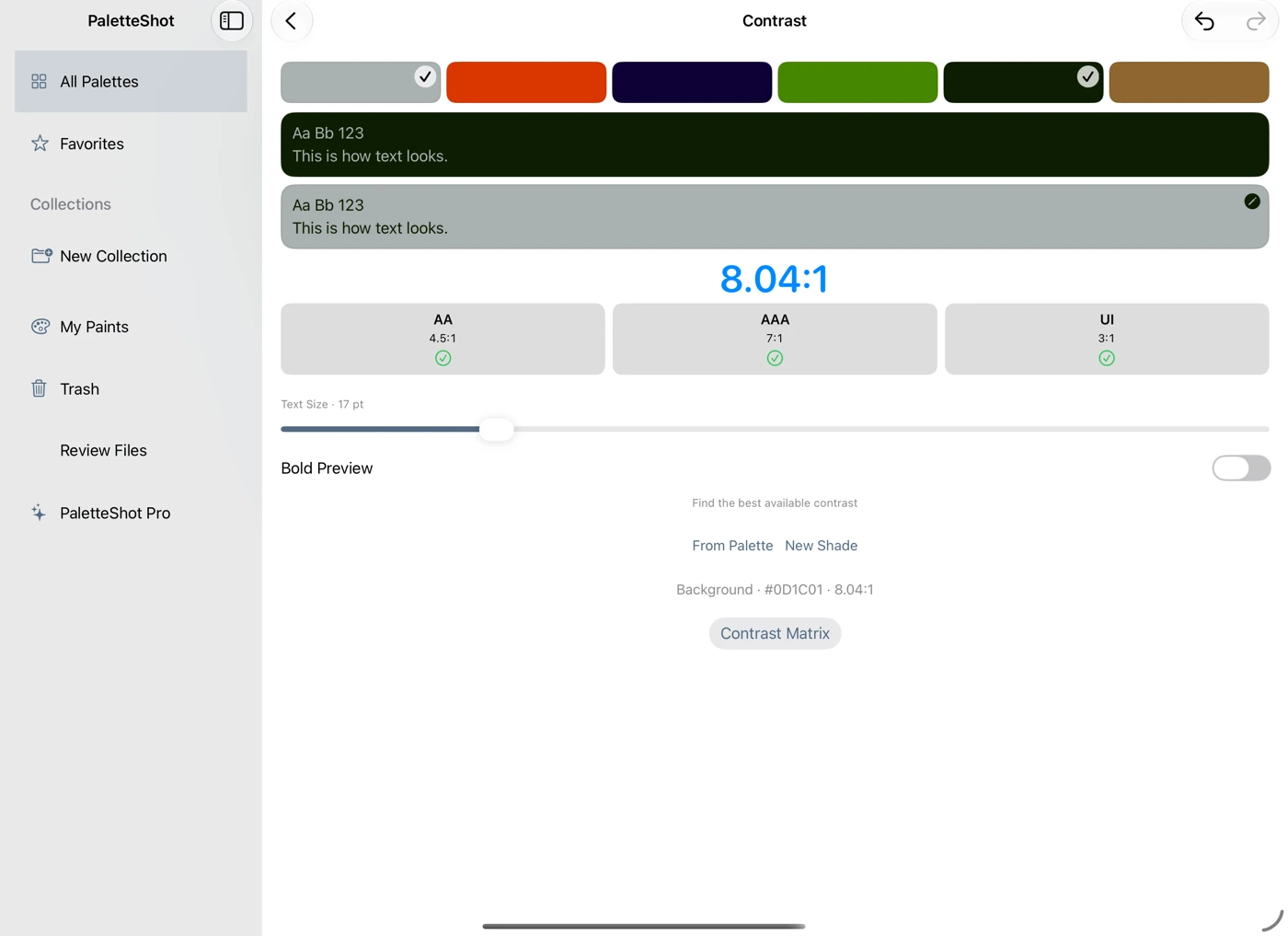
Compare text and background colours and check contrast for free. Pro can find a better pair in your palette or a new shade.
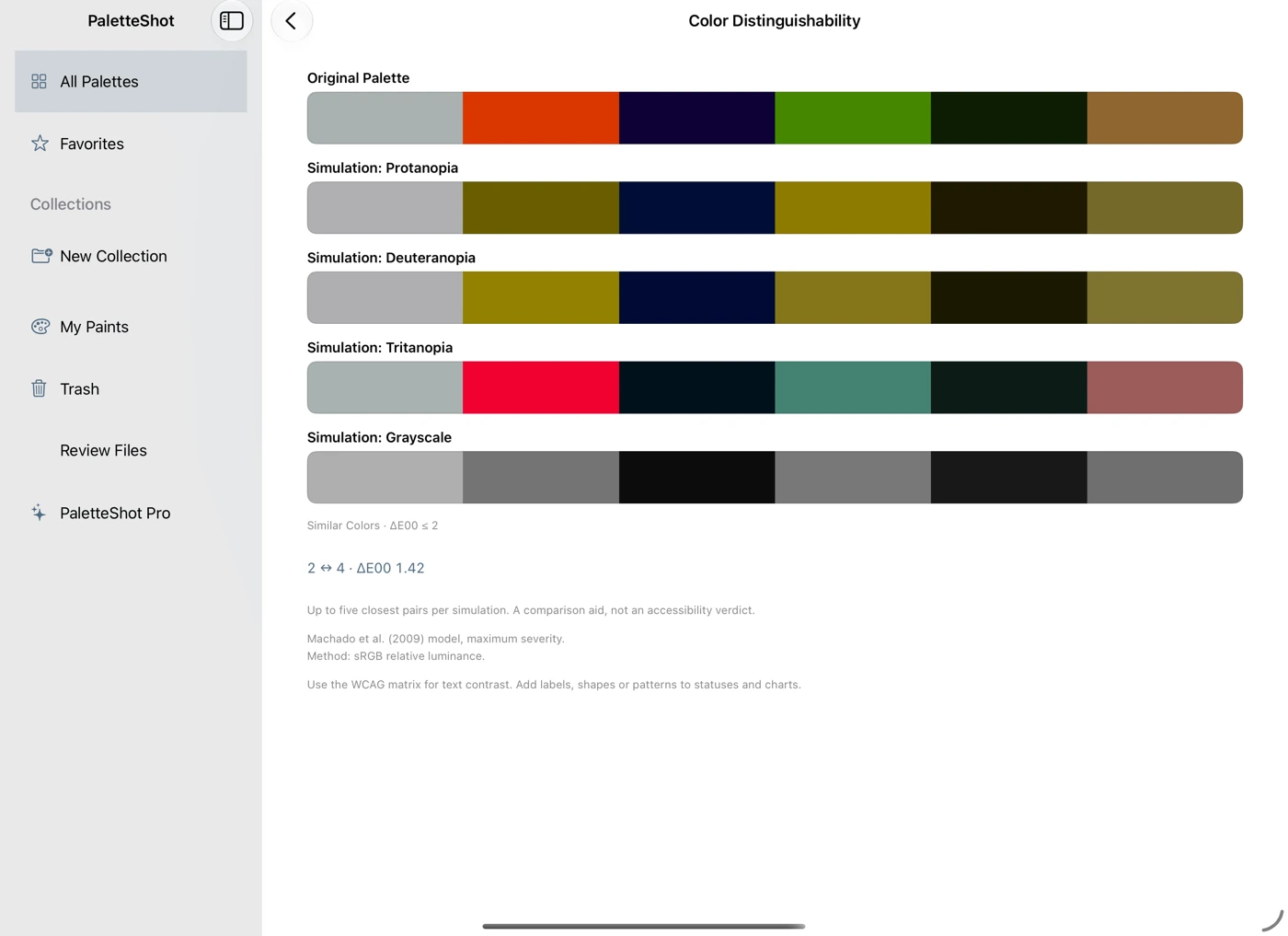
Compare colour-vision simulations side by side. Notice shades that become harder to tell apart, then refine your palette.
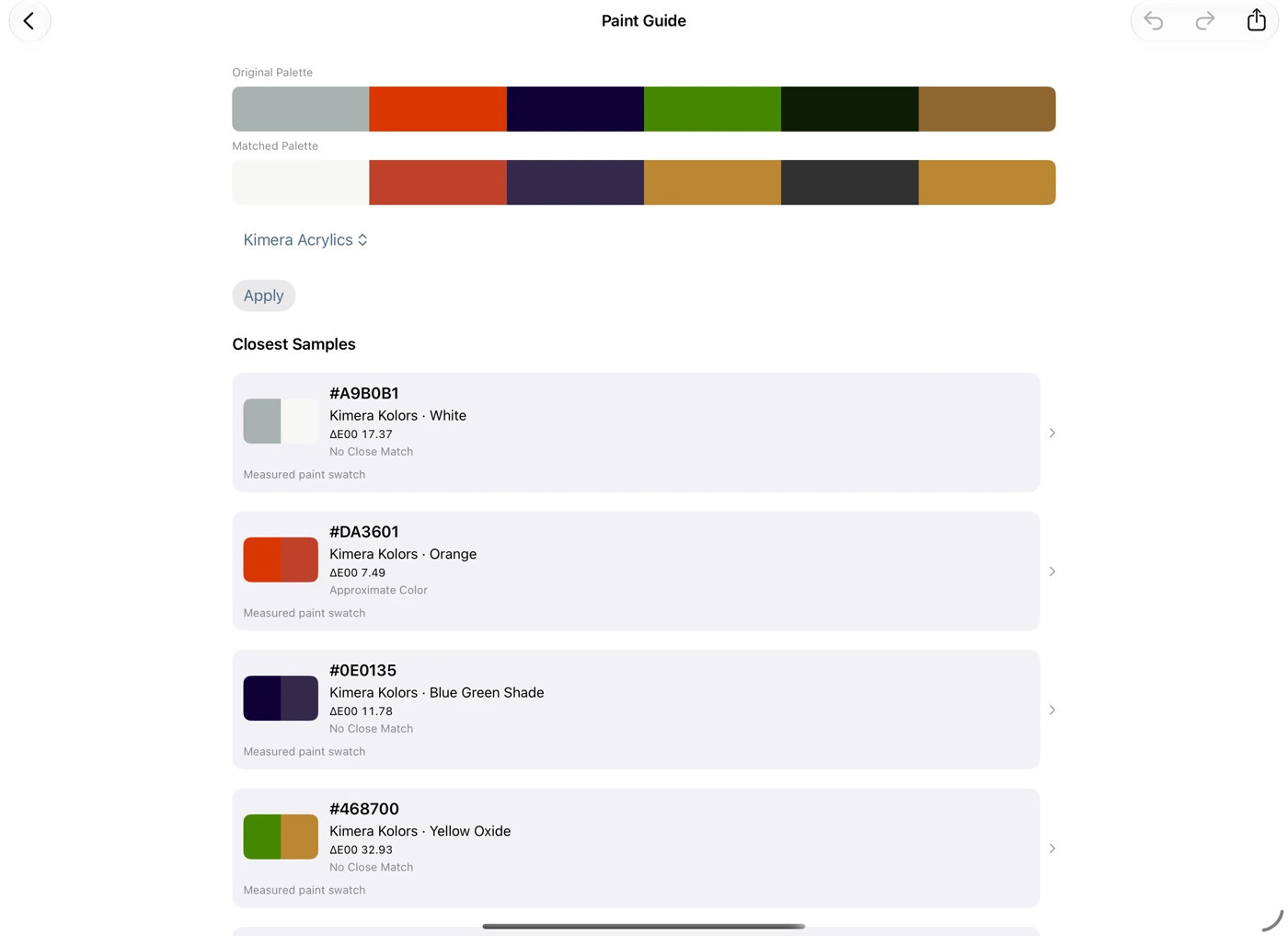
Choose a paint set or swatch collection and compare the nearest shades with your original palette. Real paint can look different; this is a useful starting point.
A palette is more useful when you can take it into the app where you actually create.
With Pro, export an ASE palette for Procreate, use palette files in compatible graphics tools or bring CSS colours into a web project. Copy colour values and share PNG images for free.
Organise palettes into collections, add tags and favourites, and pick up where you left off.
Free
Capture colours from photos and your camera. Save up to 10 palettes, edit individual colours, check contrast and explore colour-vision simulations. Copy colour values, share PNG images and keep your project files.
Pro / one-time purchase
Unlimited palettes, collections, palette and photo adjustments, automatic contrast matching, paints and materials, harmonies, mixing, colour scales and profile conversion. Export ASE for Procreate, GPL, PAL, CSS, PDF and editable SVG files. See the tools and their controls before buying; editing and using their results requires Pro. One purchase for iPhone, iPad and Mac. No subscription.
iPhone / iPad / Mac
Keep it for your next project.